Rockstar has not announced the GTA 6 install size Confirmed (no official size). Reported estimates put it somewhere around 150 to 200GB, plus a day-one patch Leak / rumour. Even taking the low end, that is a large install on a console whose standard drive is smaller than the box suggests. This page explains the storage maths, why the 1TB PS5 fills up fast, and a simple plan: free up at least 250GB before launch.
How big will GTA 6 be on PS5?
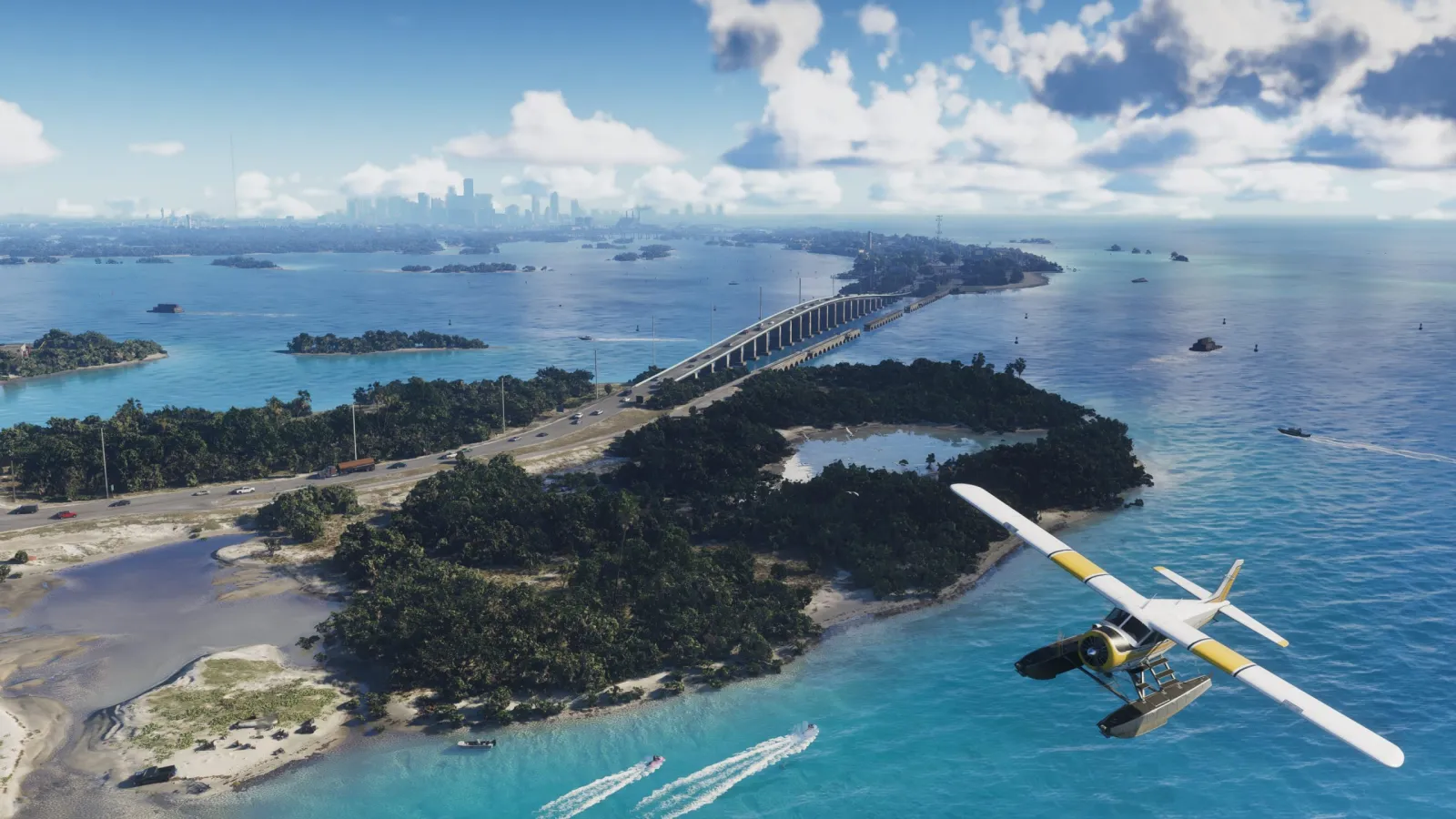
The commonly-cited range is 150 to 200GB for the base install Leak / rumour, with a day-one patch on top Leak / rumour. For context, GTA V grew well past 100GB over its life with updates, and GTA 6 is a far larger, denser world spanning Vice City, the Leonida Keys and the surrounding state. A 150GB-plus footprint is entirely believable, but until Rockstar publishes the figure, treat every number here as an estimate.
Why the "1TB" PS5 fills up so fast
A standard PS5 advertises 1TB (or 825GB on older models), but the usable space is much smaller:
- After the system software reserves its share, a 1TB PS5 leaves roughly 667GB usable for games.
- An 825GB PS5 leaves only around 667GB as well on the disc model, and less on older units.
So a rumoured 150-to-200GB GTA 6 install would swallow a quarter to nearly a third of your usable space in one go, on top of whatever you already have installed. If your drive is already full of other large games, you will hit a wall.
The plan: free up at least 250GB
Aim for headroom, not a tight squeeze. Targeting 250GB free covers the rumoured install, the day-one patch and a comfortable buffer:
- Audit your library. On PS5, go to Settings, Storage, and sort installed games by size.
- Delete or archive what you are not playing. You can always reinstall later; your saves stay on the cloud or the console.
- Move (do not delete) older PS4 games to USB. PS4 titles can live on a cheap external USB drive and move back when wanted.
- Leave the slot ready for preload. Preload starts a few days before launch, so the space needs to be free by then, not on launch day.
Should you buy an SSD upgrade?
If freeing 250GB means deleting games you actually play, a storage upgrade is the cleaner fix. The PS5 accepts an internal M.2 NVMe SSD in its expansion slot, and prices on high-capacity drives have fallen a long way.
What to look for:
- PCIe Gen4 M.2 NVMe (Gen4 is the requirement, not Gen3).
- A sequential read speed comfortably above the PS5's minimum (well-regarded Gen4 drives clear this easily).
- A heatsink, either built onto the drive or added separately, since the slot needs cooling.
Popular, widely-recommended choices include drives such as the Samsung 990 Pro and WD Black SN850X, both of which meet the PS5's requirements with room to spare. A 2TB upgrade effectively triples your usable space and removes the GTA 6 storage problem entirely.
Storage checklist for launch
- At least 250GB free before preload week
- Older PS4 games moved to USB
- Optional: Gen4 NVMe SSD installed for long-term headroom
- "Storage freed / SSD upgraded" ticked on the readiness checklist
For how the freed space feeds into pre-download, see the preload page. The full launch picture lives on the home hub.
This is an independent fan resource, not affiliated with or endorsed by Rockstar Games or Take-Two Interactive. Product names are trademarks of their respective owners.